
The short answer
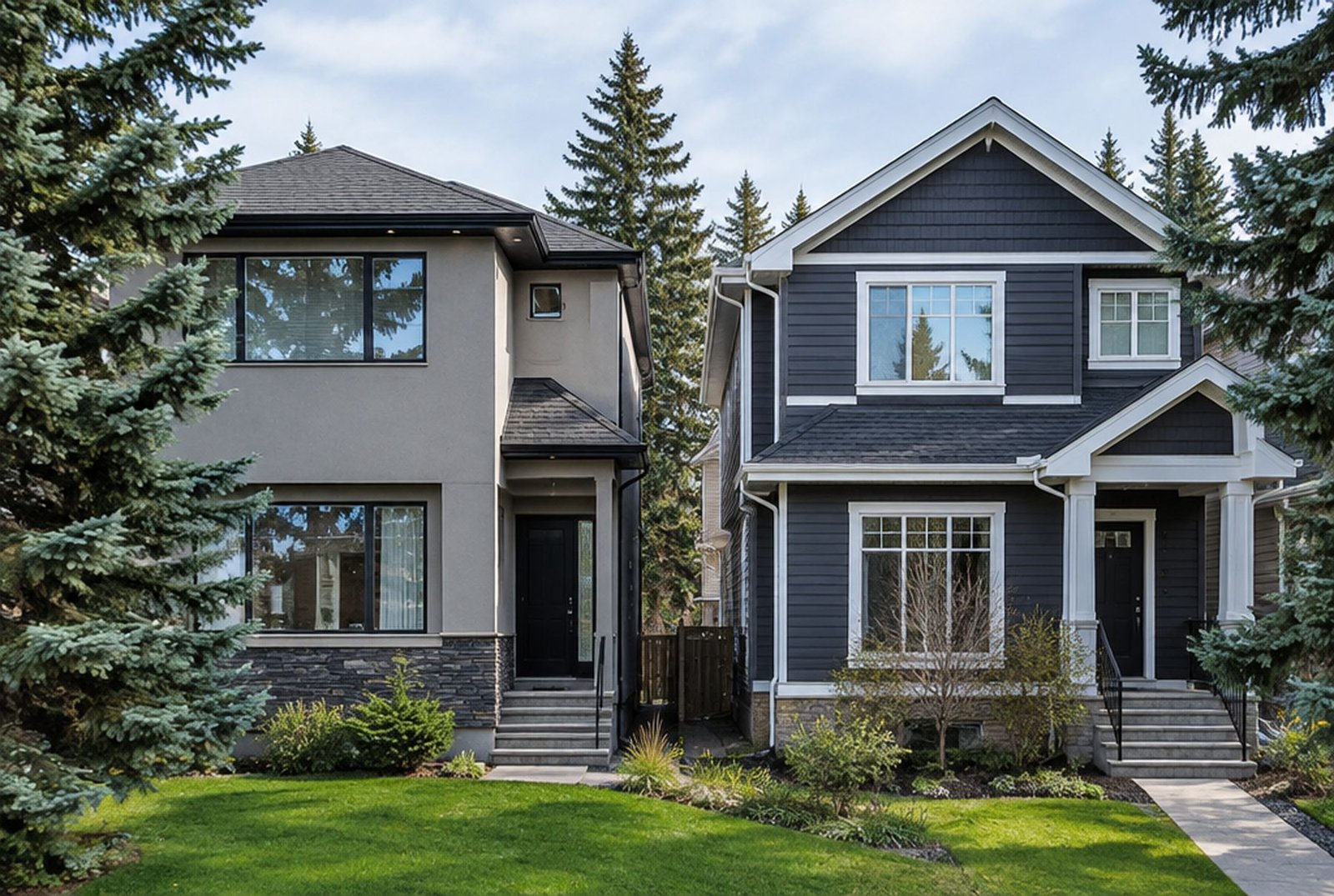
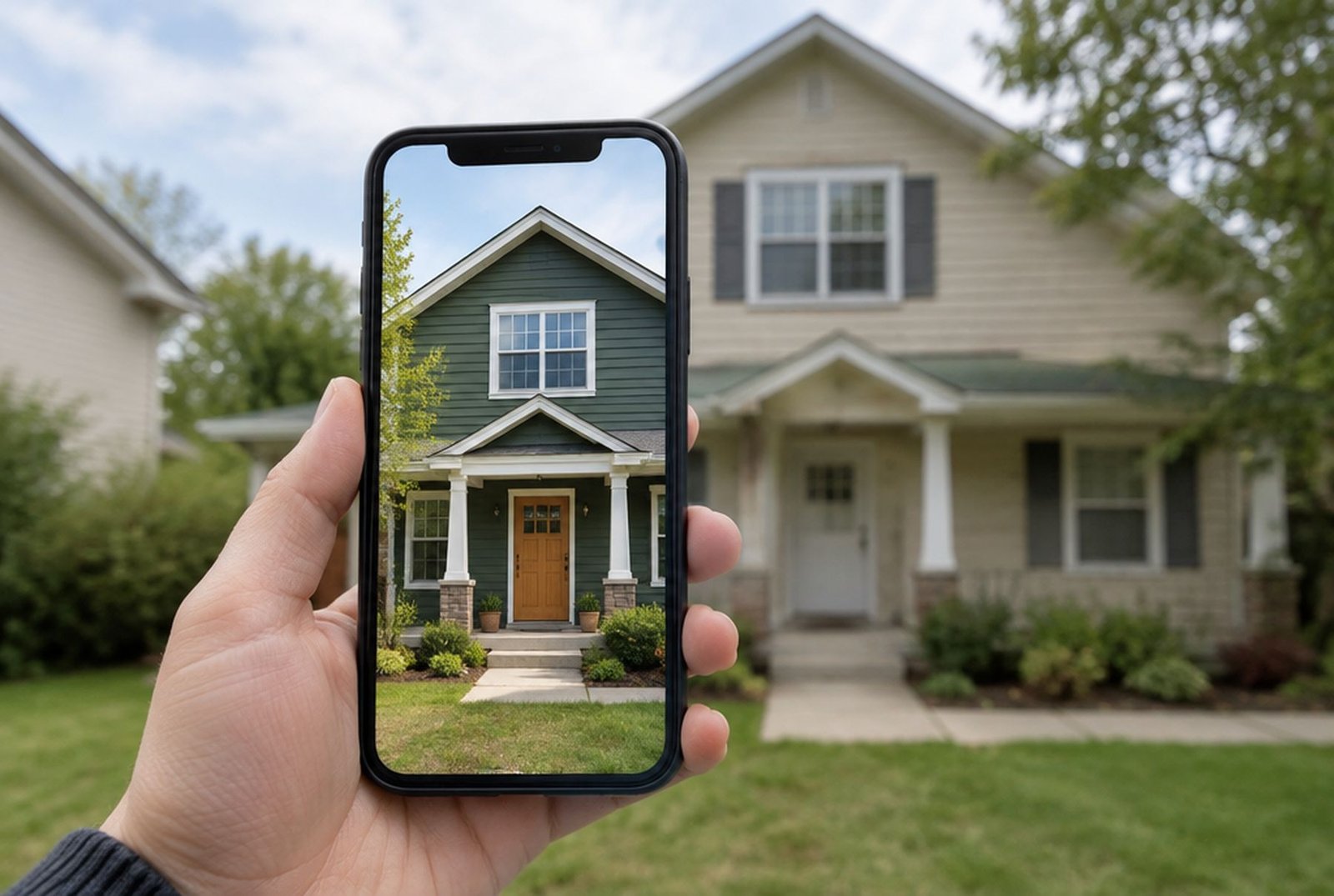
Take one clear photo of the front of your house, upload it to a visualizer, and try colours and materials on it. Paint brands have free visualizers for their own colours, siding makers have tools for their own products, and general AI image tools will restyle the whole house from a written description.
Use the previews to narrow your choices, not to make the final call. Then test real samples on the house, because no screen shows colour exactly the way your eyes will see it on a sunny afternoon.
The three kinds of tools
| Kind of tool | Examples | What it is good for | Watch out for |
|---|---|---|---|
| Paint brand visualizers | Sherwin-Williams ColorSnap, Benjamin Moore's Color Portfolio app and online colour viewer | Trying exact, buyable paint colours on walls, trim and doors | Usually only that brand's colours, and some make you paint areas by hand |
| Siding and cladding visualizers | Hardie Designer on the James Hardie website | Seeing real siding profiles and factory colours on your house | Only that maker's products |
| General AI image tools | ChatGPT and AI exterior design apps | Big changes, such as a new style, a porch or a mix of materials | Invents details, changes windows and rooflines, colours are approximate |
James Hardie says its Hardie Designer tool, which uses Hover's AI, lets homeowners upload a single photo of the front of the house and see it redesigned in seconds in styles from farmhouse to contemporary. The paint brand tools are free, and Benjamin Moore's online viewer asks you to register before uploading your own photo.
How to take a photo that gives honest results
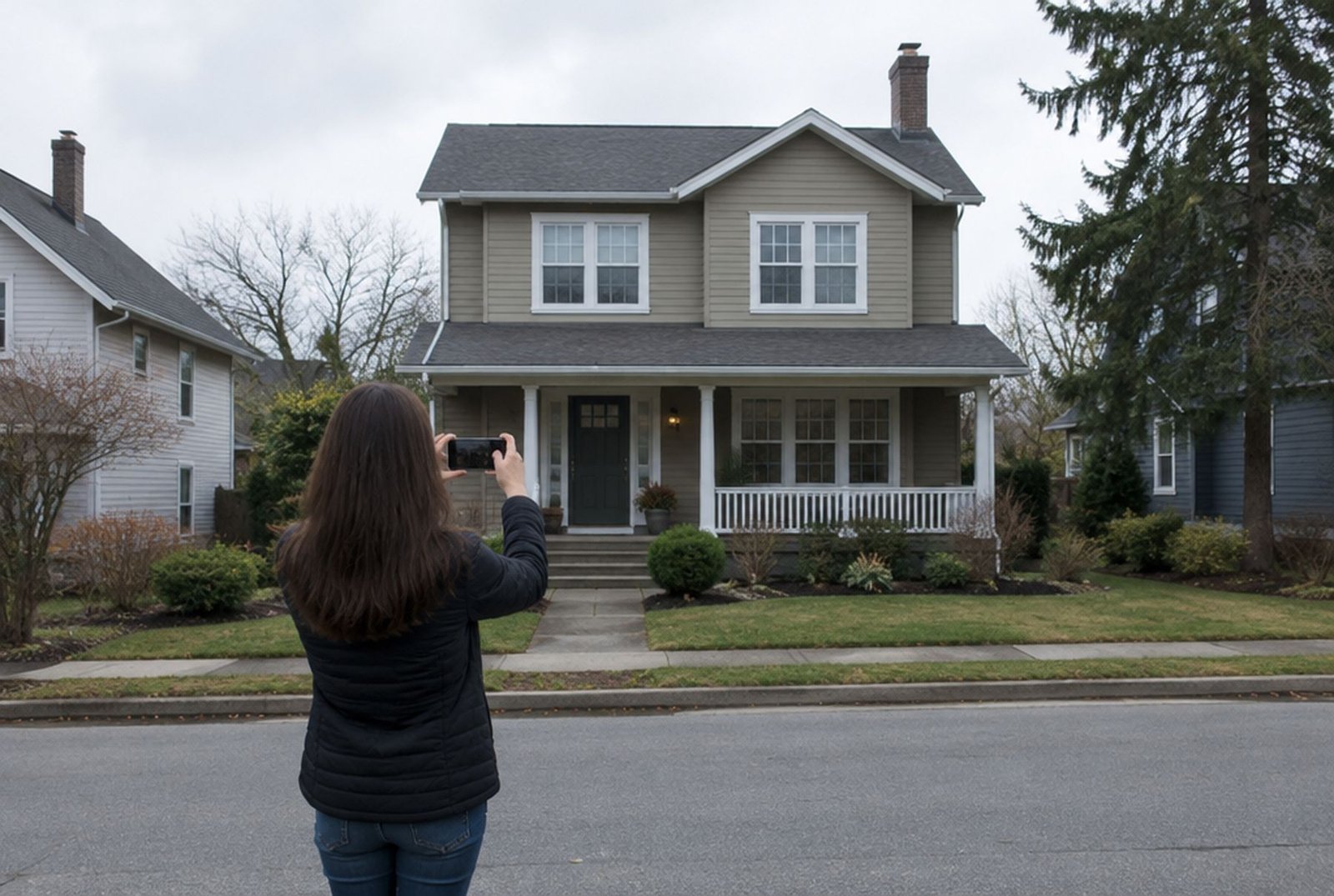
- Stand across the street and shoot the front of the house straight on, with the whole house in the frame.
- Hold the phone level, at about chest height, so the walls stay upright instead of leaning.
- Pick soft, even light. A bright overcast day or the shade side of the house works better than harsh midday sun or long evening shadows.
- Move cars, bins and anything in front of the walls if you can.
- Take a photo of the back and sides as well if those walls are changing. Many tools work best with one wall at a time.
- Leave out people, and avoid showing the house number if you plan to share the images online.
Getting good results from an AI image tool
General AI tools regenerate your photo rather than editing it, so they drift. Windows move, the roof pitch changes and a garage door appears that you never had. You can keep that under control with the way you ask.
- Say what must not change, for example keep the roof, the windows, the doors and the camera angle exactly as they are.
- Describe materials precisely. Dark green fibre-cement lap siding with a 7 inch exposure, warm white trim and a natural wood front door gets closer than make it modern.
- Change one surface at a time, then build on the image you like.
- Ask for two or three options side by side, so you compare like with like.
- Check every result against the real house. If a window has moved, the colour balance of the whole picture is off too.
What the previews get wrong
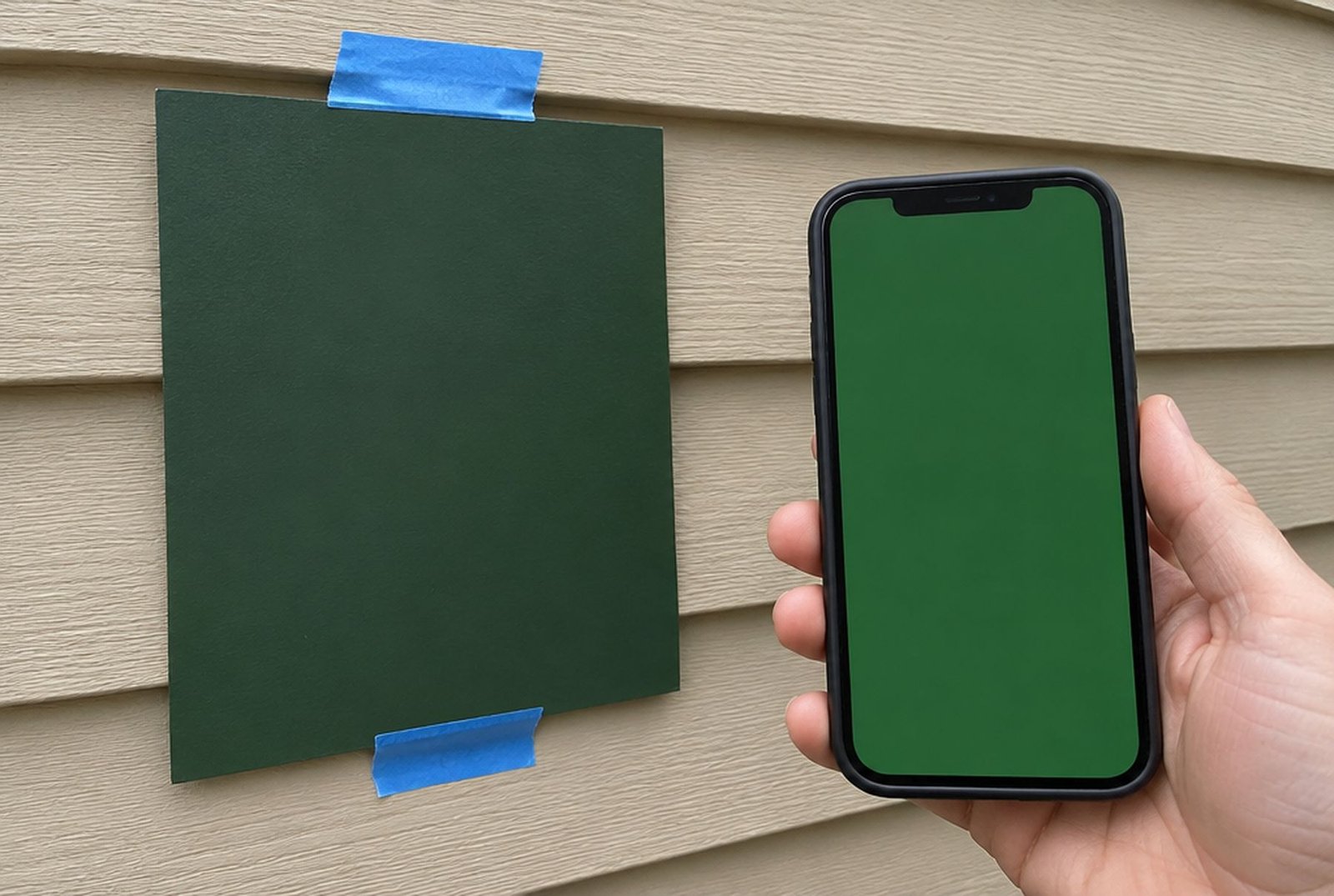
- Screens are backlit and every phone shows colour a little differently. A deep green that looks rich on screen can look almost black on a north wall.
- A preview shows one moment of light. Real walls change through the day, and south and west walls look lighter and warmer than north walls.
- Stucco, lap siding and board and batten throw shadows that change how colour reads. Flat overlays miss that.
- Some tools recolour the roof, stone or windows when you did not ask, which hides clashes you would see in real life.
- Siding exposure, trim width and board spacing are often drawn at the wrong size, which changes the whole look.
- AI can put stone on a wall that cannot carry it, or add a porch your local rules would not allow.
From preview to real samples
Once you have two or three favourites, buy samples. Paint large boards, at least a square metre, and look at them on the north and south sides of the house, in the morning, at midday and in the evening, from the street. For siding and stone, ask for real pieces and hold them against the roof and the windows, because those are not changing.
Colours look lighter and brighter outside than on a chip or a screen, so many people end up a shade or two darker than their first pick. Our guide to exterior house colours for 2027 covers how to test colours properly, and the colours that are trending now.
Using AI to compare siding materials
AI is especially handy for big material decisions, because it is expensive to try them for real. Seeing the same house in stucco, in lap siding and in a mix of stucco and wood-look siding makes the choice much clearer.
What a preview cannot show is how each material behaves over time, in hail, in strong sun and through freeze and thaw. Our guides comparing stucco and siding and on siding replacement costs cover that side of the decision.
Bigger changes, such as a porch or a new roofline
AI tools can show a dramatic before and after, with a gabled porch, larger windows or a new roof shape. That is a great way to see whether a bigger project is worth it. Just remember that changes to the shape of a house usually need drawings, engineering and permits, and that rules on how far a porch can come forward or how big windows can be near a property line vary by city. Our guide on giving a bungalow an exterior makeover walks through those changes for Calgary homes.
Privacy when you upload photos of your house
- Photos from a phone can carry the location they were taken in. Many sharing tools strip it, but not all do.
- Avoid photos that show your house number, your car's licence plate or people.
- Read the privacy settings of AI tools. Many let you turn off the use of your uploads to train their models.
- Be careful with apps that ask for your address and phone number before showing results. Some are lead forms for sales companies.
Questions people ask
- Is there a free app to see my house in a new colour? Yes. Paint brand visualizers are free, and some siding makers offer free tools on their websites.
- Can AI change only the colour of my siding? Brand visualizers that let you select surfaces do this most reliably. General AI tools can, if you tell them clearly to change nothing else.
- Can I trust the colour on my phone? Only roughly. Always confirm with physical samples on the house.
- Will a contractor use my AI images? A good one will use them to understand your taste, then confirm real products and colours with you.
When you are ready to make it real
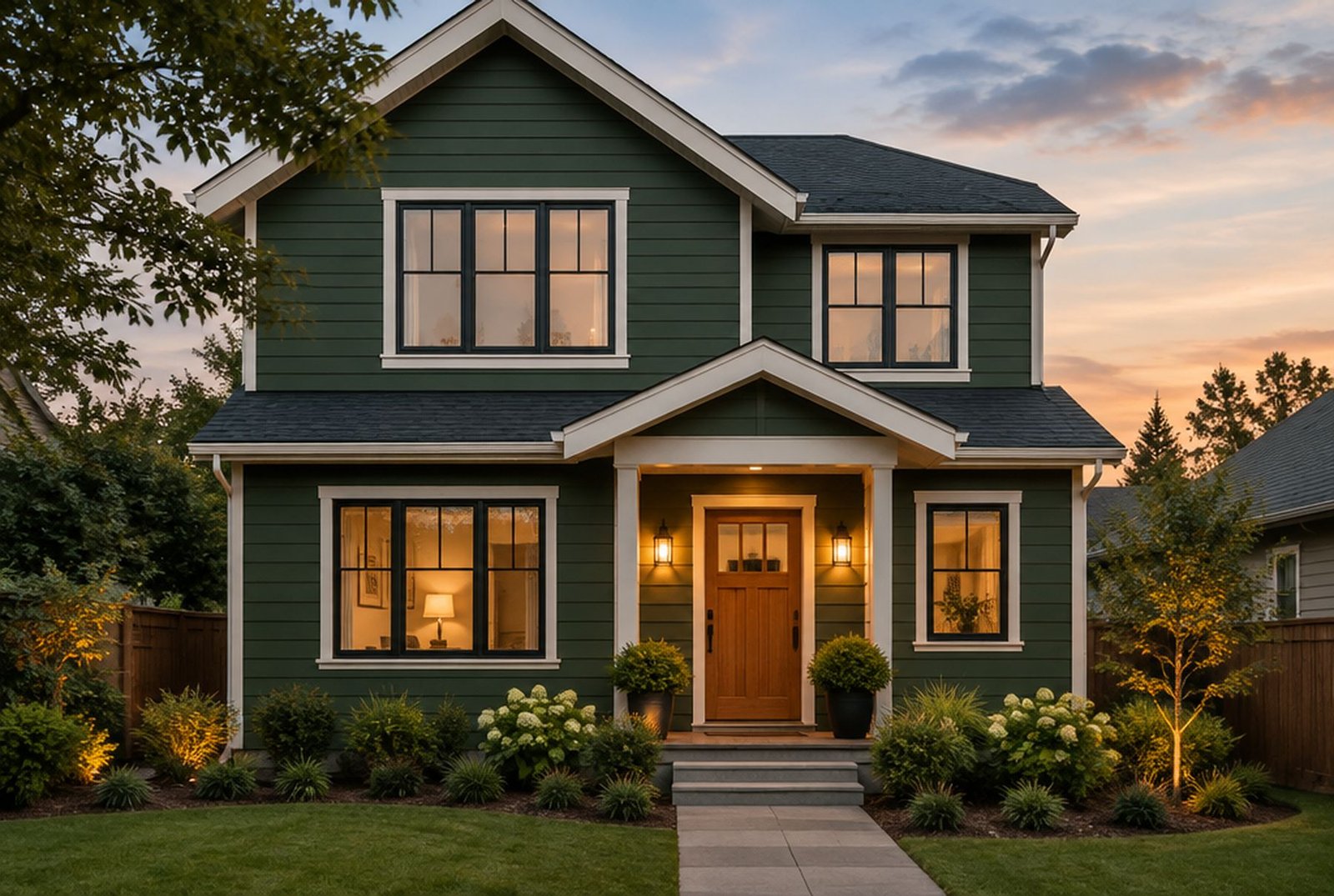
A preview is the fun part. Choosing materials that last, detailing them so water stays out, and getting the colour right on the real wall is the work. If you are in the Calgary area, our exterior renovations page shows the siding, stucco, stone and window projects we design and build.
Sources
- James Hardie: Bring your dream home to life instantly (Hardie Designer)
- Roofing Contractor: James Hardie debuts Hardie Designer powered by Hover's AI technology
- Hospitality Design: Sherwin-Williams enhances online colour visualizer
- Benjamin Moore: Benjamin Moore names Webster Green HC-130 Colour of the Year 2027
Checked November 11, 2026. Programs and rules change; confirm current details with the source before you rely on them.
Talk it through with Kay2
Every project starts with a complimentary consultation with one of our estimators.